
No cables
needed
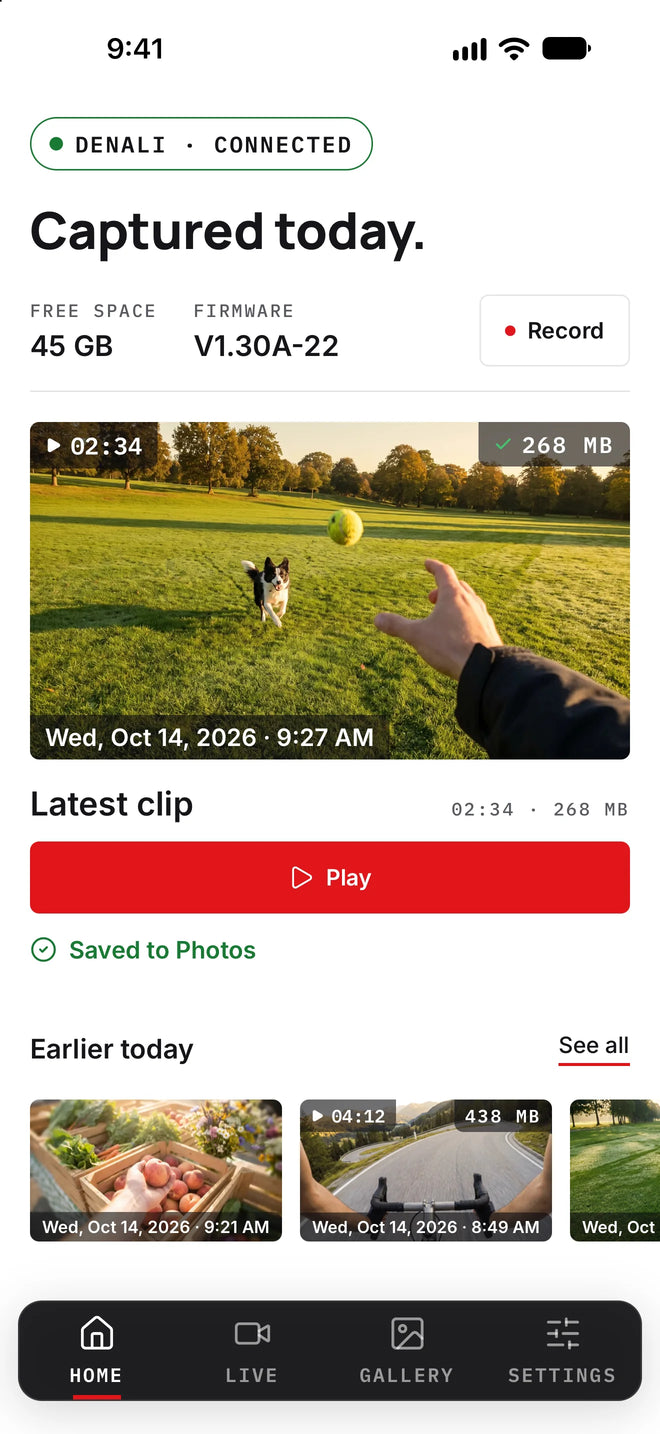
Play any clip straight off your glasses, save the keepers to Photos, and change any setting. No cable, no computer.
Connect in seconds
Your Denali makes its own WiFi network, so the app connects directly to the glasses. No accounts, no setup.
Switch on your Denali; one short vibration tells you it is awake. Then press the WiFi button once. The orange light begins flashing, which means the glasses' own WiFi network is on and broadcasting its signal.
Open your phone's Settings app and go to Wi-Fi. Join the network named iVUE Denali (older glasses: iVUE), the one your glasses just created. The moment your phone connects, the flashing orange light turns solid orange to confirm the link.
Open the iVUE Denali app. It finds your glasses right away, so you are paired and connected, with playback, Save to Photos and every setting ready to go.
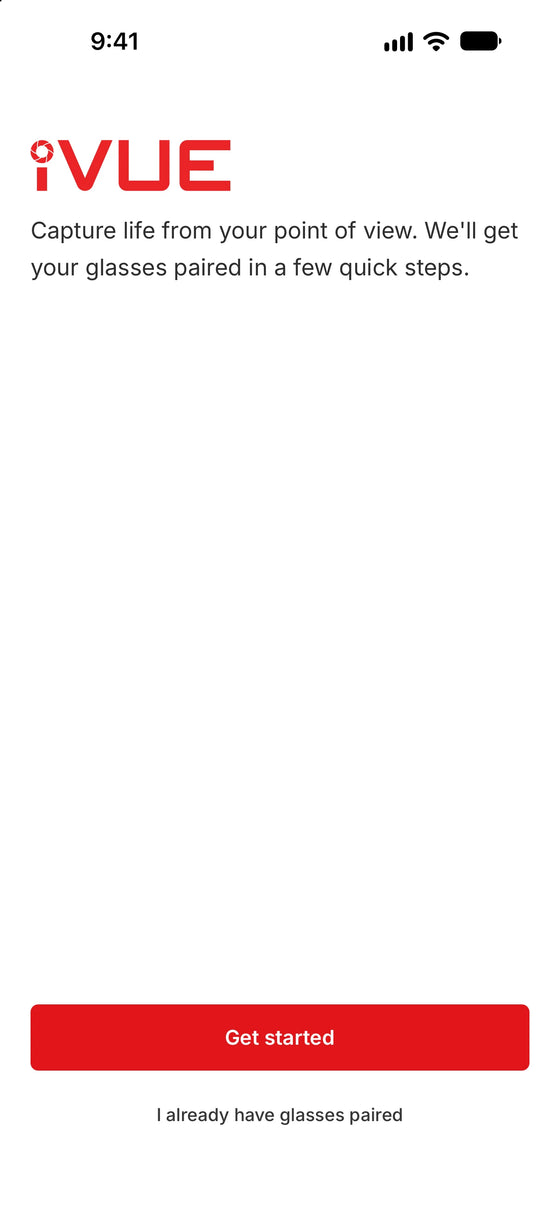
The pairing guide built into the app walks you through the same three steps with pictures
Live preview
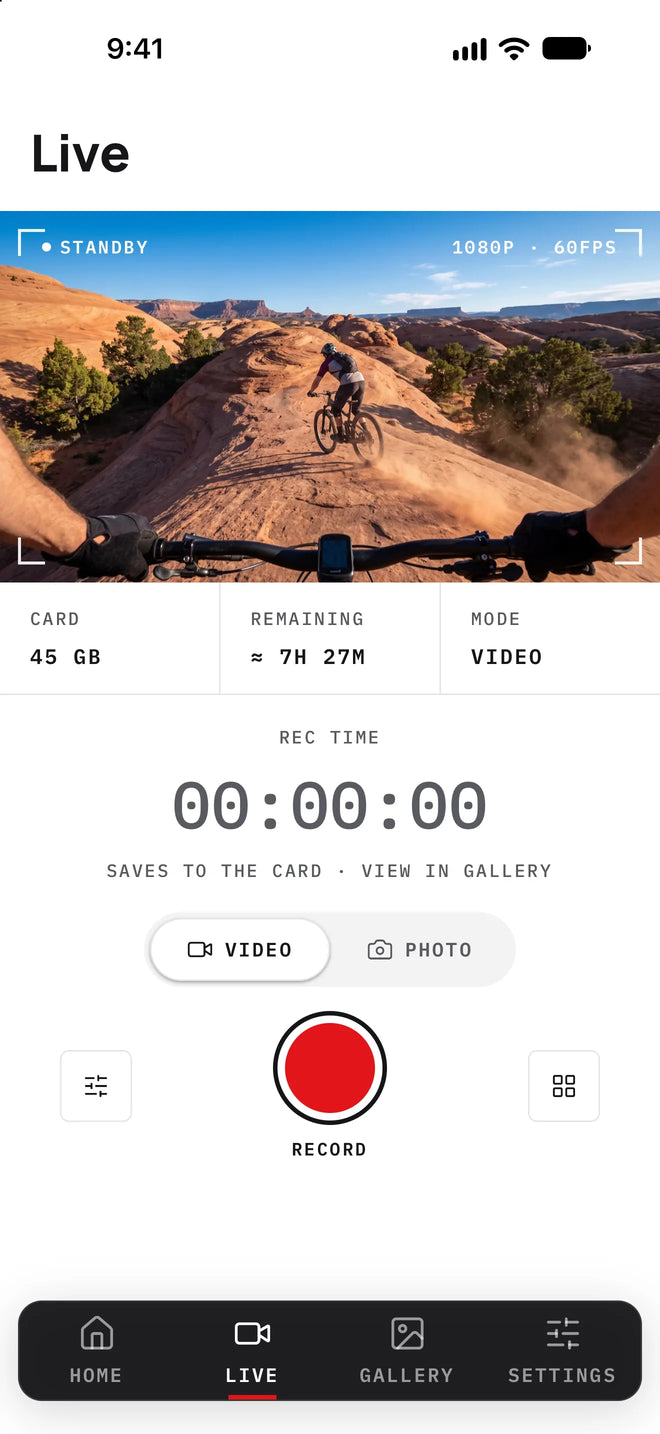
Your phone becomes the viewfinder. Watch the live feed from the glasses, line up the shot, then press record from the app or the frame.
Confirm exactly what the camera sees at eye level.
Press record in the app, no need to reach up.
Flip between 2K at 30fps and 1080p at 60fps in a tap.
Full control
Tap any tile to see the options. Change resolution, audio, white balance and more, all without touching the glasses.
8 of the settings you can change live · hover or tap to expand
Wireless transfer
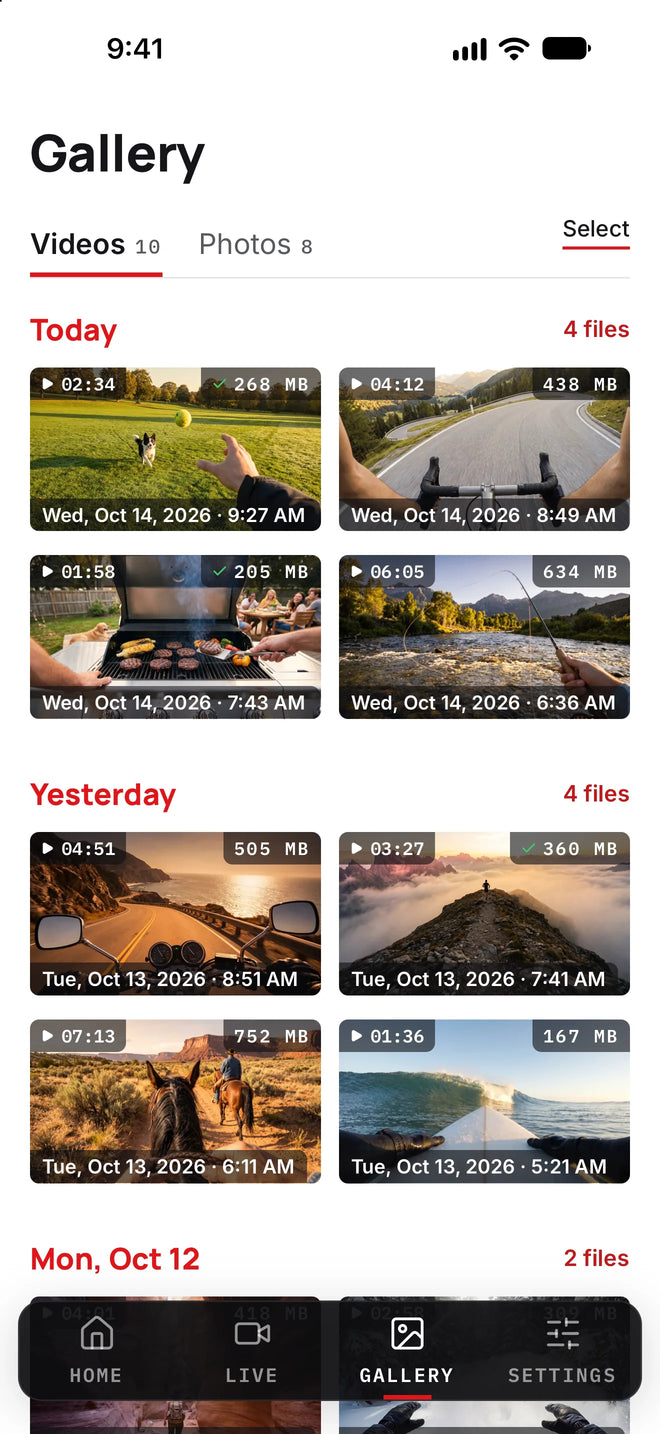
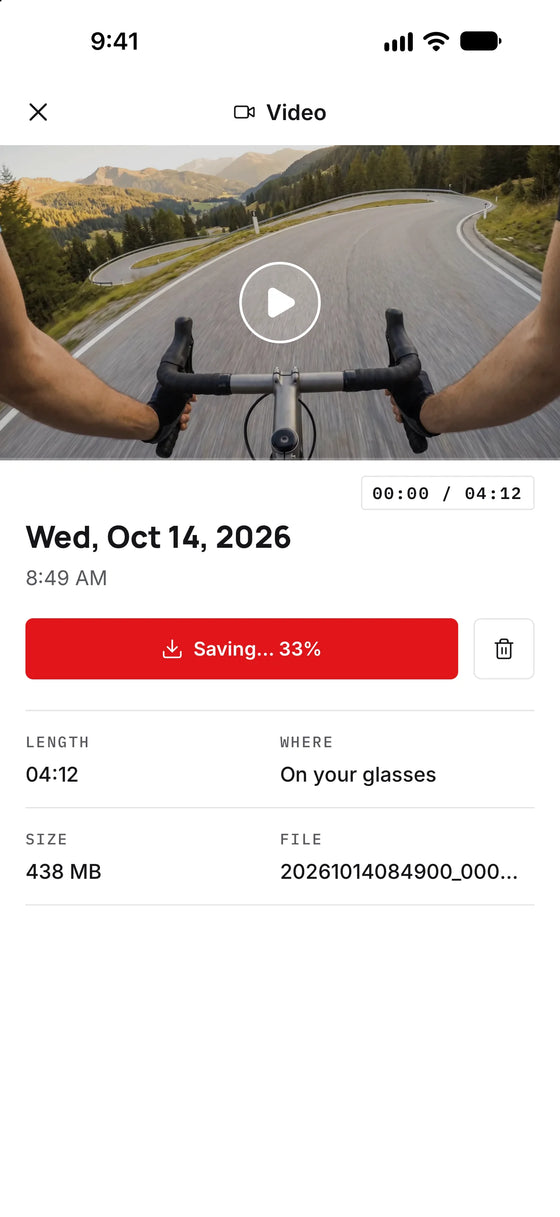
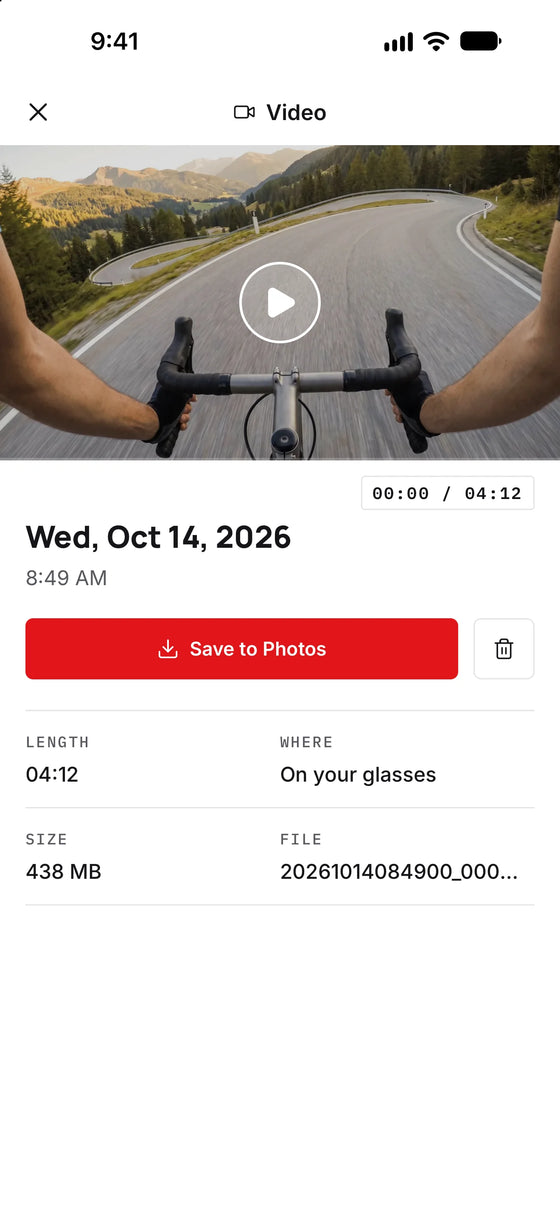
Browse the glasses' gallery in the app and save the clips you want straight to your camera roll, at full quality. No cable, no card reader, no computer.

A closer look
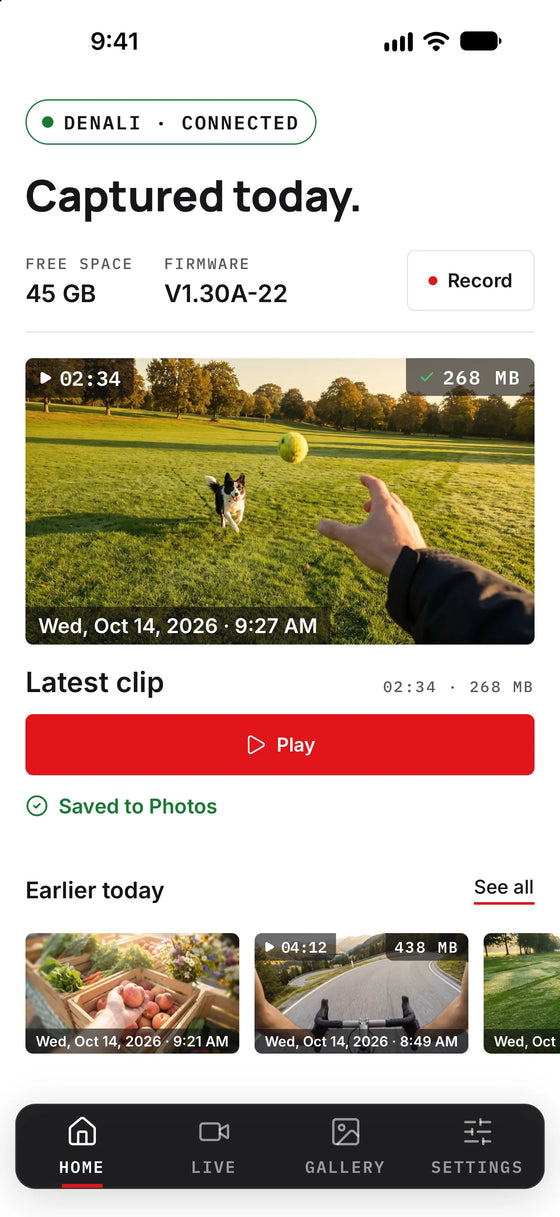
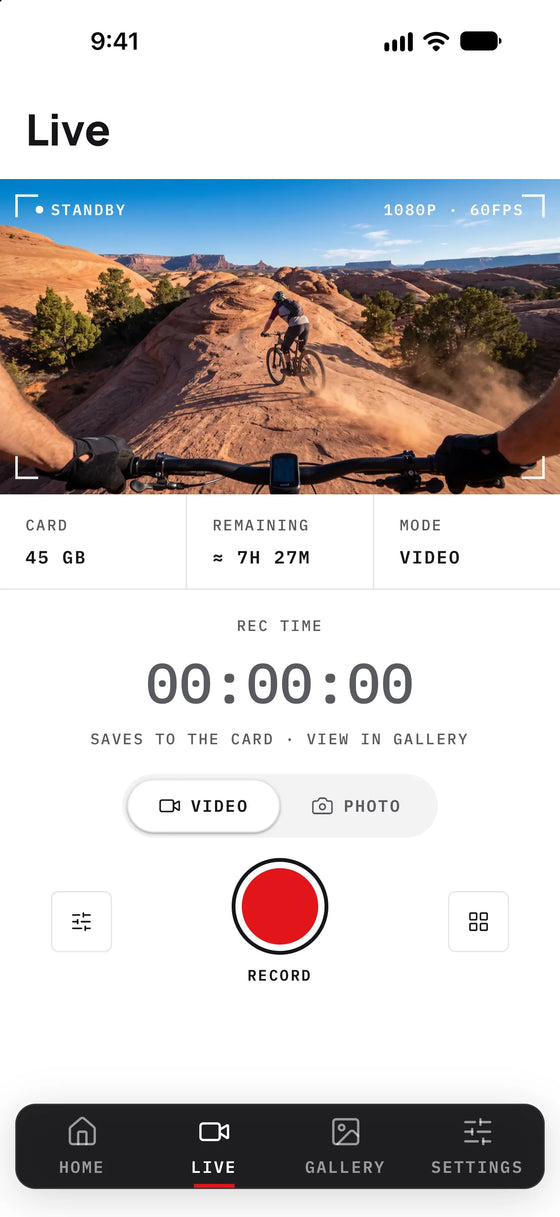
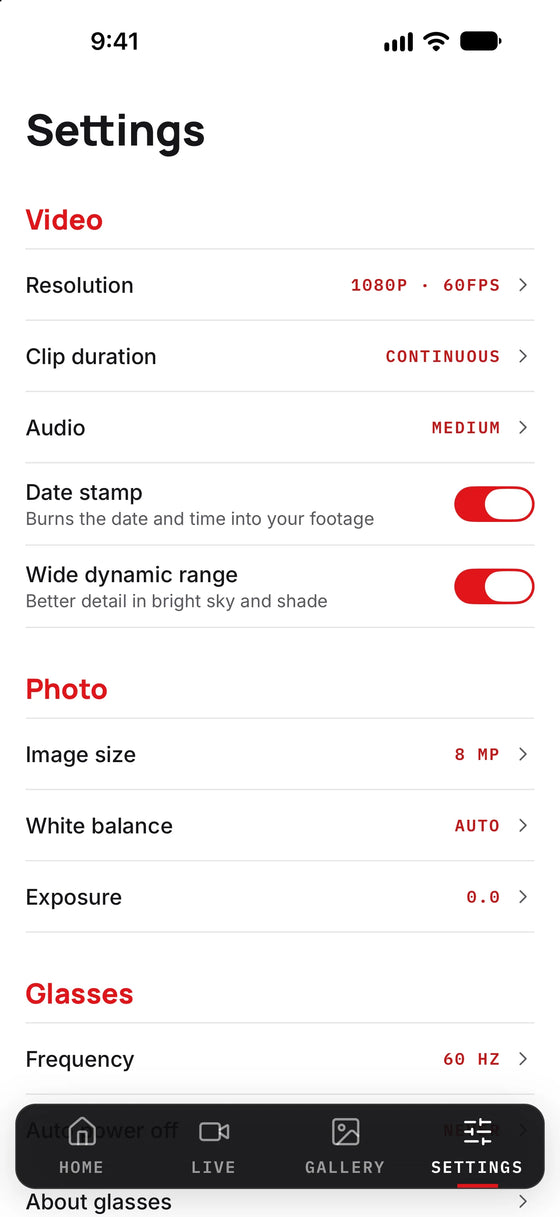
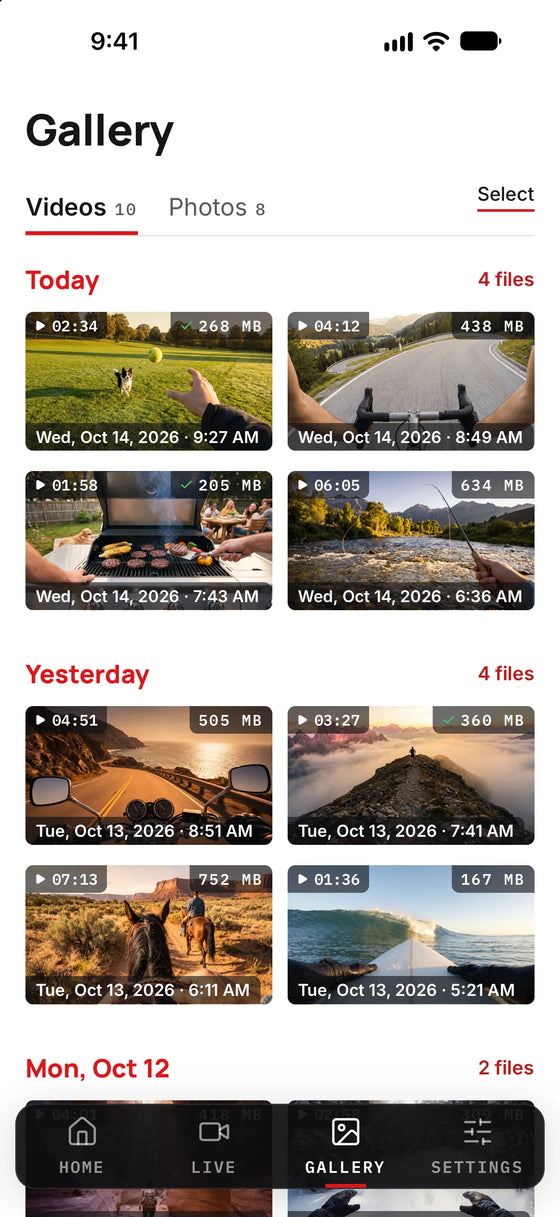
Drag to explore · 7 screens

Free on iOS and Android. Rebuilt from the ground up in 2026 for live preview, full control, and wireless transfer.
App questions
Power on your Denali, press the WiFi button to start its network, join the iVUE Denali network on your phone, then open the iVUE Denali app. It connects on its own. The glasses broadcast their own WiFi, so there is nothing to pair or sign in to.
That is expected. The glasses make their own WiFi network, so while you are connected your phone is not on the internet. Stay connected anyway, that is how live preview and transfer work.
Around 30 feet line of sight. The app is built for framing, changing settings, and transferring clips while the glasses are on or near you.
The app is free on both iOS and Android. Search "iVUE Denali" on the App Store or Google Play.
No. One press of the button on the glasses starts recording on its own. The app adds live preview, full settings control, and wireless transfer.

New drops, POV footage from the community, and the occasional field note. No spam, ever.
#captureyourview