- 2KVideo
- EISImage stabilization
- Vibration alerts
- Records while charging


01 / 10
Vista 2K Stabilized Camera Glasses
$189
2K camera glasses with electronic image stabilization. Press one button and record smooth video of exactly what you see.
In stock · ships today, order within
Preorder · ships soon
Sold out · back soon
- Same-day shippingOrder by 1pm MT
- 30-day returnsTry it risk free
- 6-month warrantyCovered from the day it arrives
- 24/7 supportPhone anytime, email replies from our team

Built for motion.
2K video that stays smooth
when you walk, run or ride.
#captureyourview
Hands-free POV / 2K · stabilized
Steady, even when you're not.
2K camera glasses with electronic image stabilization.
Every step shakes a camera you wear on your face.
Vista smooths that shake out as you record. Nothing to edit later.
Drag the line. Off on the right, on on the left.

Plug in. Play back.
Plug the Vista into your phone with its cable and the OTG adapter in the box. It opens like a drive. No app, no WiFi.


Open the Files app, tap Browse, and choose the Vista drive. Your clips are in DCIM › Movie.The adapter fits iPhone 15 and later. Older iPhone with a Lightning port? Use a Lightning to USB camera adapter.

Open My Files (Samsung) or Files by Google and choose the Vista drive. Your clips are in DCIM › Movie.
- Plug in.The Vista's cable and the OTG adapter in the box, into your phone's USB-C port.
- Open it.Your clips are MP4 files in DCIM › Movie, right in your phone's own files app.
- Play, save, share.Move them to your camera roll or send them on. No app.
On a computer, too.
Mac or Windows. Plug the cable straight in, no adapter, and it opens like a flash drive.
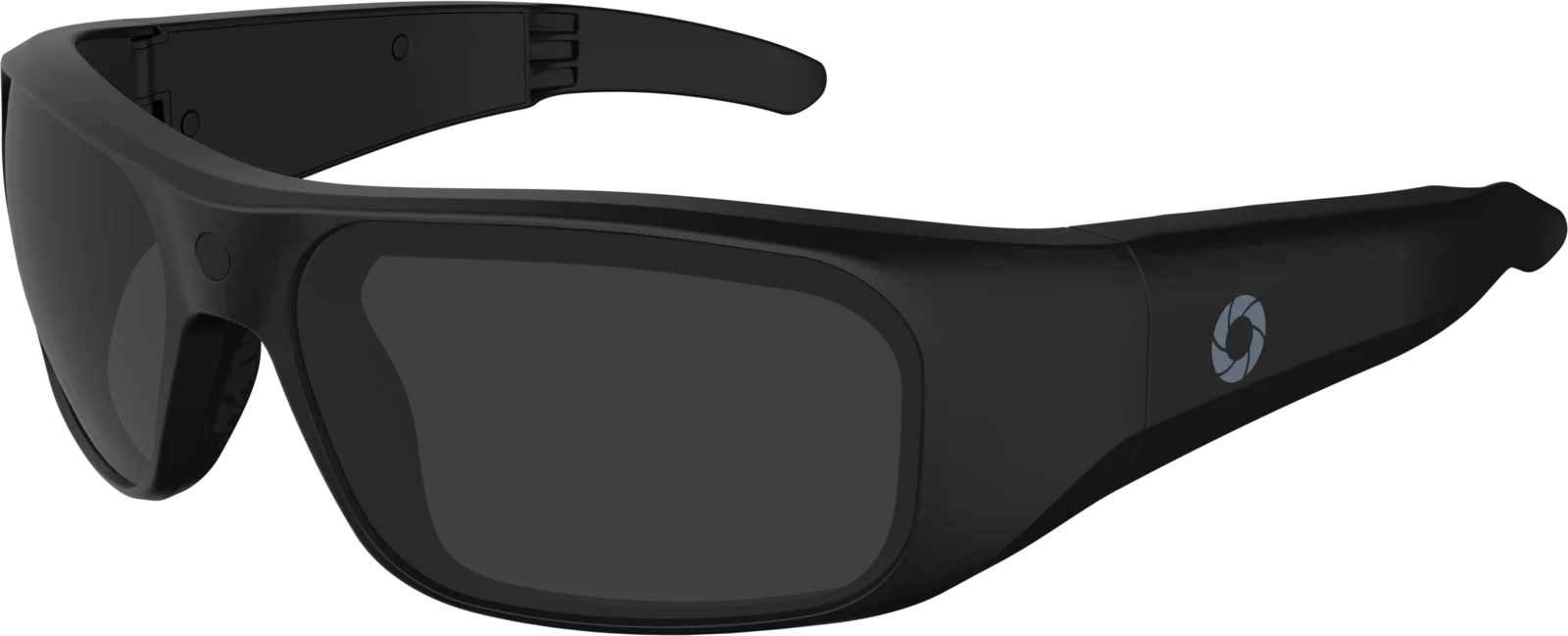
Feel every press.
The Vista buzzes when it starts recording, stops, takes a photo or begins charging, so you know what it is doing without taking it off. Two pulses: something started. One pulse: something changed.
- 2K2560×1440 @30
- EISImage stabilization
- 24MPStill photos
- 64GBBuilt in · ~9h
- One buttonClick, double, hold
- VibrationFeel every press
- No appNothing to pair
- 60 gramsTR90 frame
- Power bankRecords charging
- 500 mAhBuilt-in battery
- Dark + clearUV400 lenses
- USB-COTG phone adapter
“Unlimited” battery.
Plug a power bank into the Vista and it runs from the bank, so you keep recording after the battery runs out.
It plugs in under the right arm.

Built on TR90.
A flexible, lightweight frame that bends to fit and stays comfortable for hours. 60 grams, camera and all.
- Dark tint, UV400
- Cuts glare, blocks UV. Fitted out of the box.
- Clear lenses included
- Swap them in for indoors and low light.
- 60 grams
- A wraparound sport fit with the camera in the bridge.
9 hours built in.
64GB of memory lives inside the frame: about nine hours of 2K video. No card to buy, nothing to lose.
Each column = one hour · each square = 10 minutes9 hours
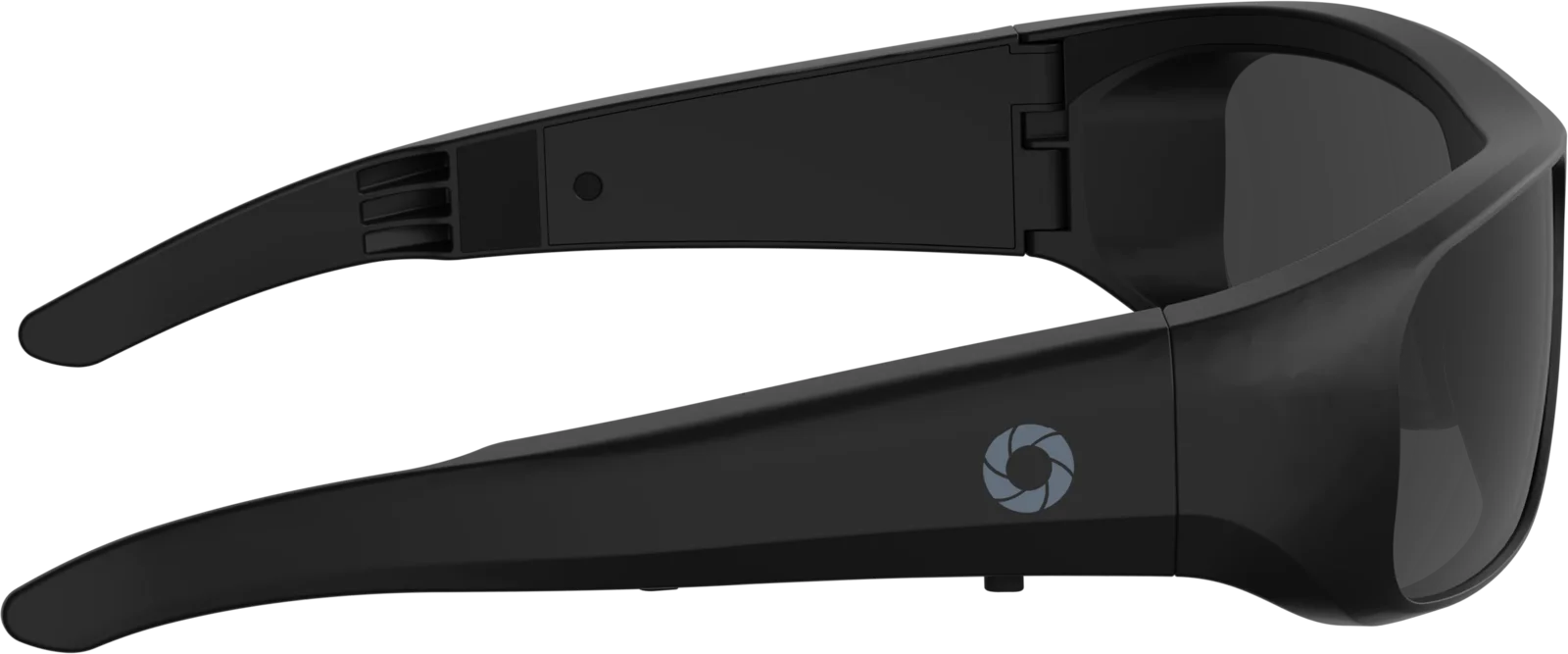
One button.
That's the manual.
Click to power on and record, or to take a photo. Double-click to start and stop a clip. Hold to power off. The light inside the frame and a buzz tell you which.
The moment.
And when.
Every clip can carry the date and time in the corner, or none at all. You choose.
Ready out of the box.
Dark lenses come installed · 64GB storage is built in
Every spec, in one place.
Video + photo
Power
Storage
Design
Compatibility
Good to know.
What does image stabilization do?
Walking, running and turning your head all shake a camera you wear on your face. The Vista's electronic image stabilization smooths that motion out as you record, so your footage is comfortable to watch. There is nothing to edit afterwards.
How wide is the Vista's view?
About 65°: a focused, natural view that keeps the action in the center of the frame, a little narrower than an iPhone's standard camera. It suits riding, running and point-of-view action. For close-up videos with your hands in them, like tutorials, cooking or crafts, choose Denali: its 135° lens tilts down to keep your hands in the shot.
Can I turn stabilization off?
Yes. Stabilization is on by default, and you can switch it off in the settings file on the glasses. The manual shows how.
How long does the battery last?
About 60 minutes of recording on the built-in battery. Plug in a USB-C power bank and the Vista keeps recording while it charges.
How much video fits?
The Vista has 64GB built in, enough for about 9 hours of 2K video. There is no card slot and nothing extra to buy.
Do I need an app or WiFi?
No. There is nothing to pair. Plug the included USB-C cable into a Mac or Windows computer and the glasses open like a drive. For phones, the OTG adapter in the box plugs into your phone's USB-C port.
Does it take photos?
Yes. Click the button once for a photo. If you are recording, the photo is taken and recording stops; double-click to start recording again.
How do I know it is recording?
You feel it. The Vista buzzes twice when recording starts and once when it stops, and the light inside the frame flashes red while it records.
What lenses are included?
Dark tinted UV400 lenses come installed, and a clear pair is included in the box for indoors and low light.
Ships today